
The Calls That Come In After You Leave
Answer WhatsApp Calls After Hours
Evenings, weekends, holidays. Your WhatsApp calls still come in. An assistant answers the ones you can’t take, on your own number.
Free to try — no signup




Enabling Businesses to Leverage the Latest Voice AI Agents from:





After Hours, Nobody’s On Call
WhatsApp Calls Don’t Keep Office Hours
Your customers call when it suits them, often outside your working hours. With nobody on call, those calls simply ring out.
Evenings and Weekends
Most WhatsApp calls outside 9-to-5 go unanswered. Nobody wants to be reachable at all hours, and they shouldn’t have to be.
Holidays and Time Off
When you’re closed or away, the calls still arrive. Each one is a customer who expected to reach you.
Different Time Zones
Customers overseas call on their schedule, not yours. By your morning, they’ve often called someone else.
Automate Calls with AI Voice Agents
Key Features
Deploy intelligent AI agents that answer every call, qualify every lead, and book appointments automatically—24/7, 365 days a year.
Inbound Calls
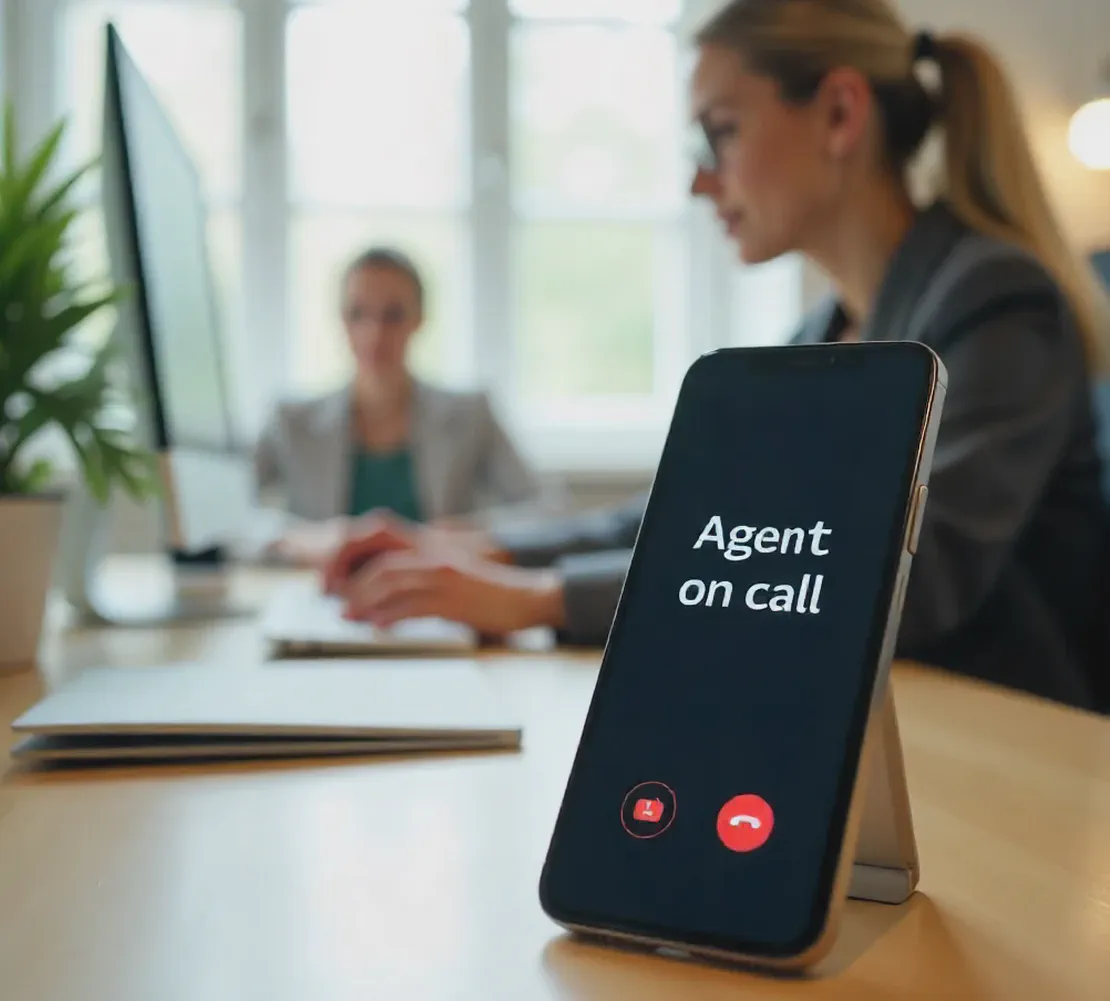
Your AI receptionist handles every incoming call with professional expertise—qualifying leads, booking appointments, providing customer support, and seamlessly transferring urgent matters to your team. Your clients never wait.

Outbound Calls
Automate your outreach with AI agents that handle appointment reminders, re-engage old clients, nurture prospects, and conduct customer check-ins—keeping your pipeline constantly active. No opportunity gets forgotten.
Smart Call Routing & Analytics
Every call is logged, analyzed, and routed intelligently. Get detailed reports on lead quality, common questions, and conversion rates to optimize your business.

How It Handles a Real Conversation
Essential Features
Advanced AI technology that doesn’t just answer calls—it understands context,
learns your business, and handles conversations naturally.

Natural Conversation Flow
Our AI agents speak naturally, understand context, and handle complex conversations without sounding robotic.

Learn and Adapt to Your Business
Trained on your specific products, services, pricing, and common customer questions
Continuously learns from every interaction to improve responses and conversion rates
Integrates with your CRM, calendar, and existing business tools for seamless workflow
How It Works
Covered Within a Business Day
Set it up once. It answers after hours from then on.
1 - Hear It For Yourself
Talk to James and hear how the assistant handles an after-hours call. Open the chat, then tap call. He’s a demo, so ask him anything.
2 - We Set Up Your Assistant
We build it with your business details and connect your WhatsApp. Your current number or a new one.
3 - Scan and Go Live
Scan one code and your after-hours calls are covered, live within a business day.
Pricing
After-Hours Plans, WhatsApp and Phone
Cover your after-hours WhatsApp calls from a dedicated tier, or move up to plans that add phone answering, CRM and calendar integration, and analytics.
WhatsApp Plan
NewYour AI assistant answers WhatsApp calls on the number you already use — while WhatsApp stays on your phone. Includes up to 150 calls/month.
- Answers WhatsApp calls 24/7 on your existing number
- You always get first chance to pick up yourself
- Keeps working when your phone is off or out of range
- The same assistant on your website, at no extra cost
No setup fee.
Lite Plan
Never miss a call again, on your phone line or your WhatsApp. AI answers when you can’t, takes a message, and notifies you instantly. Includes up to 300 calls/month.
No setup fee.
- A dedicated phone number, or forward your existing line
- Missed call answering 24/7
- Caller name and message capture
- Instant notifications to Telegram or WhatsApp
- Multi-language support
Growth Plan
Most PopularTurn unanswered calls into potential revenue with lead qualification and automated booking. Covers your phone line and your WhatsApp. Includes up to 500 calls/month.
S$1988 setup fee.
- Everything in Lite Plan plus:
- Lead qualification and appointment booking
- CRM integration (Salesforce, HubSpot, etc.)
- Calendar integration (Google Calendar, Outlook)
- Call analytics and reporting
Pro Plan
For those that need custom integrations and sophisticated call handling across phone, WhatsApp, and your website. Includes up to 1,500 calls/month.
S$2988 setup fee.
- Everything in Growth Plan plus:
- Advanced conversation flows with conditional logic
- Custom voice training and cloning
- Webhook integrations for custom workflows
- Custom API integrations
FAQ
Frequently Asked Questions
You’ve got questions. We’ve got answers.

Hear It Answer a Real Call.
Talk to James on WhatsApp and hear what your own assistant would sound like, answering your customers.
Hear It for Yourself